4K terrain assets for Blender
Ultimate Terrain Pack · 100+ 4K Landscapes
Mountains, valleys, islands, deserts and canyons as ready meshes with 4K materials, waiting in the Asset Browser to be dragged into your scene.
What is Ultimate Terrain Pack?
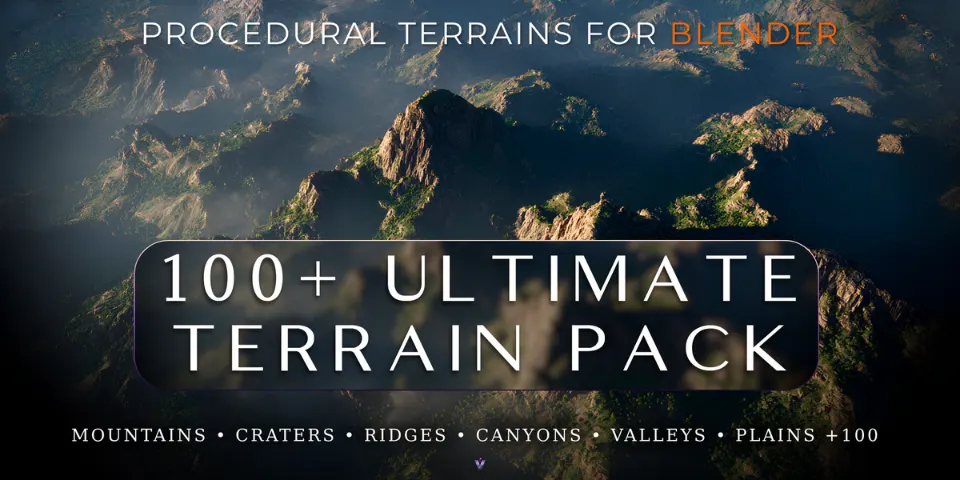
When the landscape is the backdrop rather than the subject, building it from scratch is rarely the best use of your time. Ultimate Terrain Pack gives you more than 100 terrains created in Gaea, each prepared as a Blender asset with a mesh, 4K materials and textures, and its own preview thumbnail.
The library is split into category-specific Blender files, so you load only the terrain types you need and browsing stays light. Add the folder as an Asset Library once and every terrain is a drag away in any project. The assets are royalty free for personal and commercial work, from games and films to client renders.
What you can make with Ultimate Terrain Pack
Game world prototyping
Drop terrains into a level layout to test scale, sightlines and composition before final art.
Cinematic landscape renders
Use a mountain range or a canyon as the stage for a wide establishing shot.
Concept art and backgrounds
Put a believable landform behind a character or vehicle, then paint over the render.
Fantasy and sci-fi worlds
Combine craters, ridges and rock formations into places that do not exist.
How it works
Add the library
Add the product folder as an Asset Library in Blender's Preferences.
Browse
Open the Asset Browser and look through the terrain thumbnails by category.
Drag it in
Drag a terrain into your scene, with its mesh, materials and textures ready to use.
Tips for better results
- Load only the category files you need; the split keeps browsing and scenes lighter.
- Compare silhouettes in the thumbnails first. The outline of a terrain usually decides whether it fits the shot.
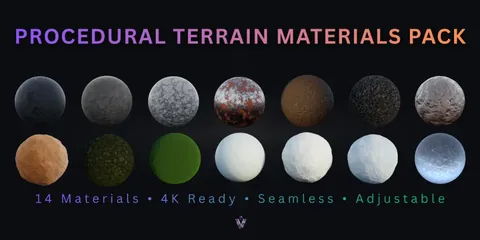
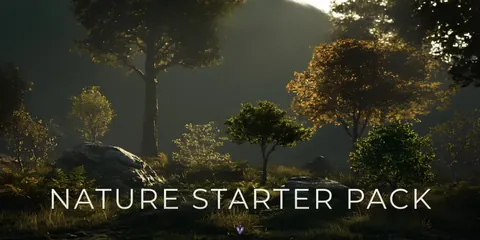
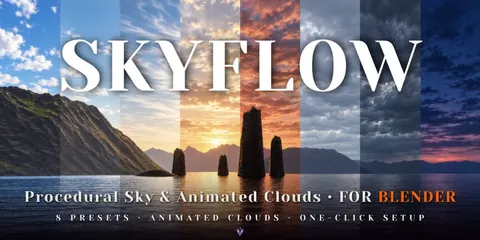
- Pair the terrains with the Procedural Terrain Materials Pack for extra materials, Nature Starter Pack for vegetation and SkyFlow for the sky.
- Blender
- 4.0–5.1
- Type
- Asset Pack
- Category
- Terrain
- Sold on
- Superhive
Ultimate Terrain Pack questions
Can I use the terrains in commercial projects?
Yes. The royalty-free license covers personal and commercial work, including games, animations, films, renders and client work. Redistributing, reselling, repackaging or uploading the original files to other asset stores is not allowed.
Which Blender versions are supported?
Blender 4.0 to 5.1.
How were the terrains made?
They were created in Gaea and prepared as Blender assets with meshes, 4K materials and textures.
How do I start using them?
Add the product folder as an Asset Library, then drag terrains into your scene from the Asset Browser.
Ultimate Terrain Pack on Superhive
100 4K terrain assets: mountains, valleys, islands, deserts and canyons, with meshes, materials and textures ready to use.