Convert images and video into 3D reliefs in Blender
DepthForge · AI Image & Video to 3D
Load a photo, painting or video clip, let DepthForge estimate its depth on your own computer, and keep shaping the relief with live Geometry Nodes controls.
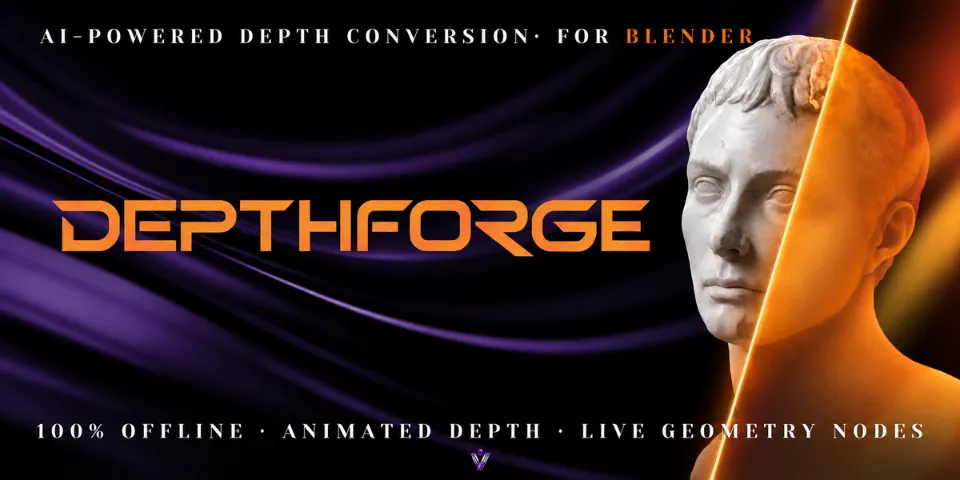
What is DepthForge?
Turning a flat picture into geometry usually means making a depth map elsewhere, importing it and wiring up displacement by hand, then repeating it all when the image changes. DepthForge keeps that inside Blender. Choose an image in the sidebar, pick AI Quality, AI Fast or Luminance, and you get a relief with a procedural modifier, ready to adjust.
Video works the same way. A clip becomes moving geometry with the original footage mapped onto it, processed in the background with a progress display you can cancel. The AI models and runtime ship with the package and run on your CPU, so nothing is uploaded.
 WATCH THE VIDEO
What you can make with DepthForge
2.5D photo compositions
Give a still photo depth for 2.5D compositions, starting from the Photo 2.5D preset.
Reliefs and sculptural portraits
Turn a portrait, a sculpture or an illustration into a bas-relief or cutout with the Bas-Relief and Cutout presets.
Animated depth for motion graphics
Use a moving relief with the video on its surface in motion graphics or experimental effects.
Terrain concepts
Rough out landforms from a reference image with the Terrain preset, then save the depth as a 16-bit PNG heightmap.
How it works
Pick a source
Open the DepthForge tab in the sidebar and choose an image or a video, with an optional clip range and scene FPS matching.
Generate depth
Images use AI Quality, AI Fast or Luminance; video uses Video Depth Anything or per-frame processing with temporal smoothing.
Shape the relief
Start from one of four presets, adjust Height, Gamma, Smooth, Cutoff, Thickness and more, then convert to a mesh if needed.
Tips for better results
- Luminance mode turns brightness into height without an AI model, handy when light and dark areas already follow the shape.
- Use Update Source to swap in a new image and refresh its depth without rebuilding the setup.
- AI depth is relative rather than measured, so treat it as a starting shape and refine it with Black / White Point and Gamma.
- High-resolution video depth needs about 4-5 GB of free memory; speed depends on CPU, memory, resolution and clip length.
- Blender
- 4.2–5.2
- Type
- Add-on
- Category
- Tools & Helpers
- Sold on
- Superhive
DepthForge questions
Does it need an internet connection or a GPU?
No. The models and ONNX Runtime are included and run locally on the CPU. No internet, API key, account or dedicated GPU is required.
Which Blender versions are supported?
Blender 4.2 and newer, on Windows x64, macOS (Apple Silicon or Intel) and Linux x64. Download the package that matches your system and Blender version.
Will video reliefs flicker?
The video model aims for frames that stay consistent over time, but some scenes may still flicker, depending on content, motion and lighting.
Can I use the result outside DepthForge?
Yes. Image depth can be saved as 16-bit PNG heightmaps, and Convert to Mesh turns a relief into a standard Blender mesh.
DepthForge on Superhive
Turn images and videos into animated, fully editable 3D reliefs with local AI depth and live Geometry Nodes. 100% offline, no GPU needed.