Procedural surface patterns for any mesh in Blender
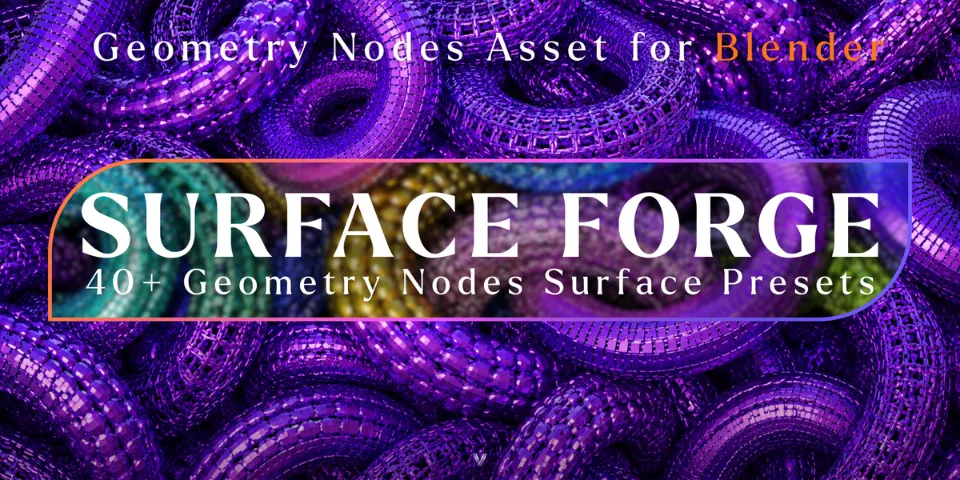
Surface Forge · 40+ Geometry Nodes Surface Presets
Apply a preset from the Asset Browser to a cube, a prop or a character and it becomes a detailed procedural surface that stays fully editable.
What is Surface Forge?
Detailing a surface by hand, one panel or cell at a time, is slow and hard to take back when the design changes. Surface Forge is a library of more than 40 Geometry Nodes presets that turn simple geometry into structured surfaces. Every preset sits in the Asset Browser with its own thumbnail, and its settings live in the modifier panel, so there is no node tree to open.
The presets react to the shape they are applied to, which means one preset can look completely different on a torus, a monkey head or a hard-surface prop. The material comes from the object itself, so the same pattern can read as metal, ceramic, glass, plastic, emissive or any PBR material you already use.
What you can make with Surface Forge
Sci-fi and hard-surface assets
Add surface structure to props and hard-surface models without modelling every detail.
Product visualisation
Give a simple product form a patterned shell and swap materials to test different looks.
Motion graphics and abstract art
Switch presets on a primitive to explore shapes for loops, title cards or abstract stills.
Design exploration
Try many surface ideas on the same mesh, since presets, parameters and materials can change at any time.
How it works
Browse
Open the Surface Forge library in the Asset Browser and compare the presets by their thumbnails.
Apply
Apply a preset to any mesh. It is added as an editable Geometry Nodes modifier.
Refine
Adjust the parameters in the modifier panel, change the object's material or switch to another preset.
Tips for better results
- Test a preset on two or three different shapes; the same settings can give very different results depending on the mesh.
- Learn what each preset does on primitives such as a cube or torus before applying it to a final model.
- Try an emissive material for glowing sci-fi detail, or glass for a softer product look.
- Keep the base mesh simple and let the preset carry the detail. You can change it later without touching the mesh.
- Blender
- 4.0–5.1
- Type
- Geometry Nodes
- Category
- Geometry Nodes
- Sold on
- Superhive
Surface Forge questions
Do I need to know Geometry Nodes?
No. Each preset has its controls in the modifier panel, so no node editing is needed.
Which Blender versions are supported?
Blender 4.0 to 5.1.
Can I use my own materials?
Yes. Apply any material to the object, from metal, ceramic, glass, plastic and emissive to procedural or custom PBR materials.
How many presets are included?
More than 40, in one organised library inside a ready-to-use Blender file, each with a custom preview thumbnail.
Surface Forge on Superhive
Turn simple geometry into detailed surface structures with 40+ procedural Geometry Nodes presets.