Ready-made terrains for Blender in 10 biomes
Ultimate Terrain Addon · 100+ Extreme Terrains
Browse terrain thumbnails in the Blender sidebar, preview the one that suits your shot and bring it into the scene without digging through folders.
What is Ultimate Terrain Addon?
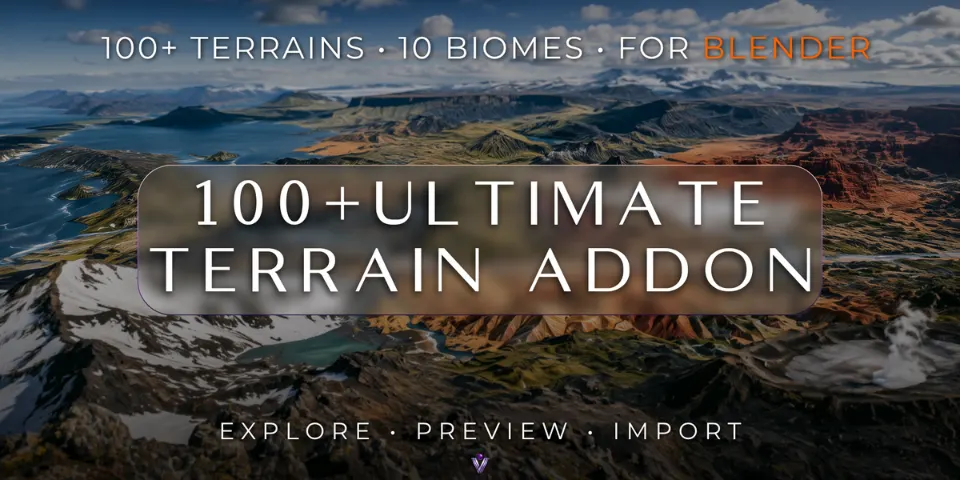
A landscape scene usually starts with a search: through downloaded files, through previews that do not match what loads, through the same setup steps every time. Ultimate Terrain Addon turns that search into a visual library inside Blender. Load the library, compare silhouettes side by side, preview a candidate and import it with a single button.
The 100+ terrains are pre-designed, each one a deliberate variation rather than a random result, so you choose between known shapes: eroded badlands, glacial ice, impact craters, karst towers, mesas, painted hills, salt flats, sand dunes, tundra and volcanic ground. Resolution is adjustable and materials are set up automatically.
What you can make with Ultimate Terrain Addon
Cinematic establishing shots
Use a volcanic ridge, a mesa or a crater basin as the backbone of a wide landscape shot.
Game environment blockouts
Try several terrain shapes while a level layout is still changing, instead of sculpting each one.
Concept art and matte painting bases
Start a painting from real geological forms and correct perspective rather than a blank canvas.
Backdrops for product and archviz renders
Dunes, salt flats or tundra give a car, product or building a believable setting in the distance.
How it works
Open the library
Open the add-on in the Blender sidebar and click Load Terrains to show the visual terrain browser.
Compare and preview
Look through the thumbnails across biome types, compare silhouettes and preview the terrain you want.
Import and build
Click Import Terrain and keep working on your scene; the materials are set up for you.
Tips for better results
- Choose by silhouette first. At the blocking stage the shape of the ridges and basins decides more than surface detail.
- Open biomes such as salt flats and dunes make wide stages for vehicles or characters; craters and mesas frame a subject.
- Resolution is adjustable, so match it to how close the camera gets to the ground.
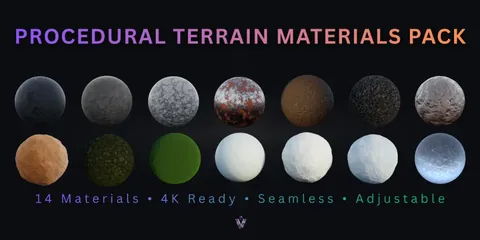
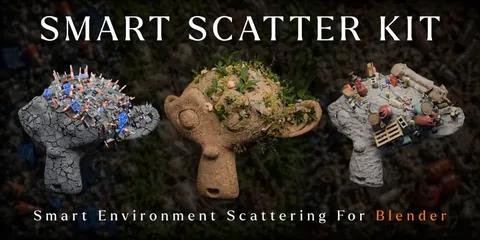
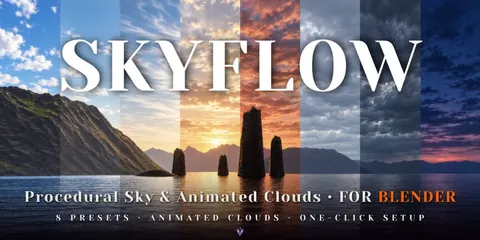
- Pair it with the Procedural Terrain Materials Pack for more surface options, Smart Scatter Kit for set dressing and SkyFlow for the sky.
- Blender
- 4.0–5.2
- Type
- Add-on
- Category
- Terrain
- Sold on
- Superhive
Ultimate Terrain Addon questions
Is it a random terrain generator?
No. It is a curated library of pre-designed terrains with a browser and importer, so you pick from known results.
Which Blender versions are supported?
Blender 4.0 to 5.2.
Which biomes are included?
Badlands, Glacial, Impact Crater, Karst, Mesa, Painted Hills, Salt Flat, Sand Dunes, Tundra and Volcanic.
Do the terrains come with materials?
Yes. The add-on sets up materials automatically, and you can adjust the terrain resolution.
Ultimate Terrain Addon on Superhive
Browse, preview and import 100+ extreme terrains across 10 biomes, with adjustable resolution and automatic materials.